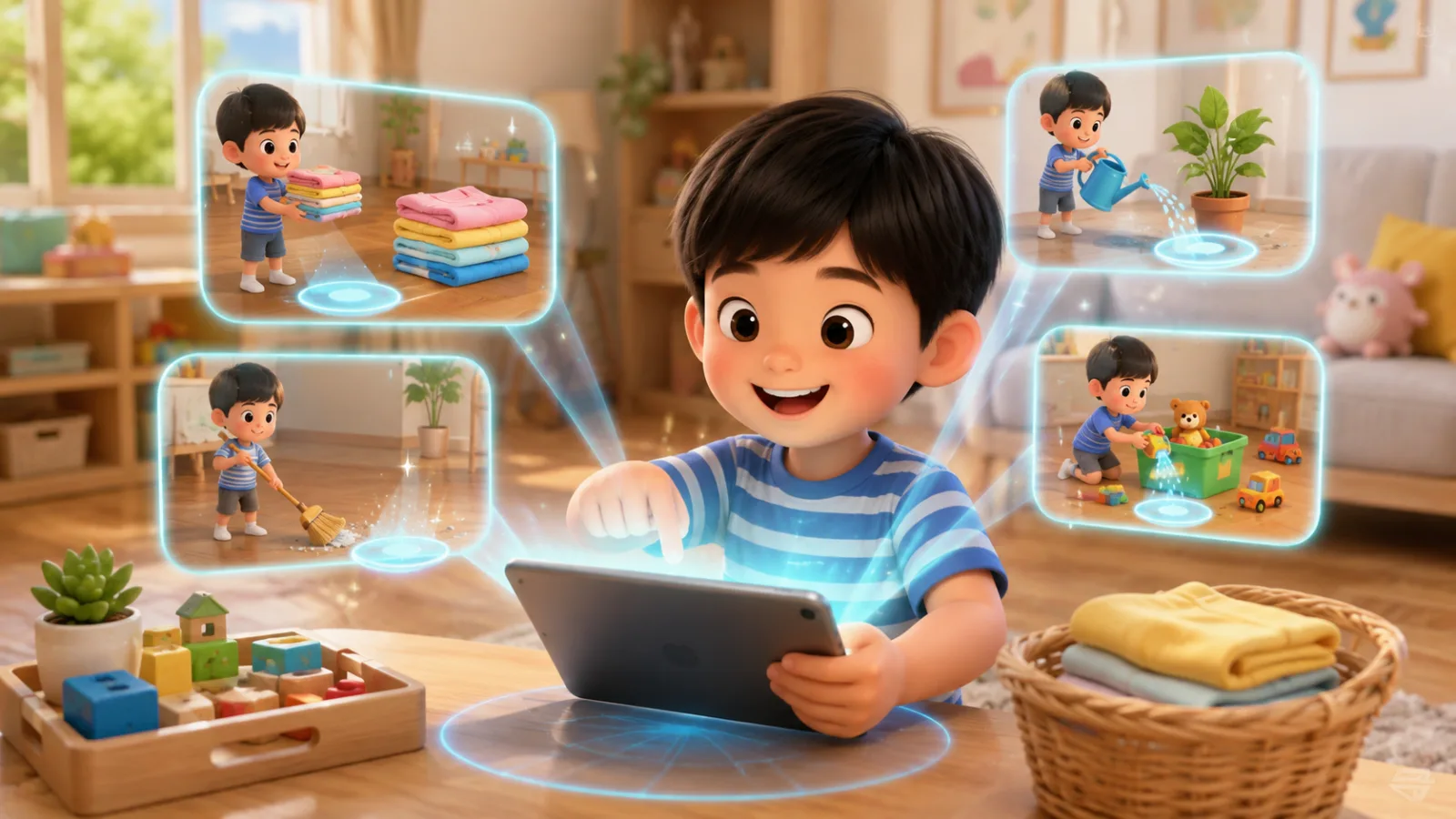
Housework we can do
MatchingOccupations and TechnologyGrade 14 rounds

Occupations and Technology
An AR classroom game for Grade 3. Learners can aim with their hands at the camera or play by tapping the screen.
This set has 6 questions in an interactive multiple choice activity.
Curriculum indicatorว 4.2 ป.3/3
A look before you play
A few real prompts from the game to help you choose an activity for your class.
Before you play
Use computers and the internet wisely: search with key words, check sources, name files and use folders, keep passwords private, and tell an adult about unsuitable content.
6 questions, multiple choice with 3 options each - Searching: use key words that fit - Can everything online be believed: no, check the source - Saving files: meaningful names, sorted into folders - Passwords: tell no one except your parents (not one trusted friend) - Unsuitable content: close it right away and tell an adult
Use in the first computer-room lesson of the term, or before children research a report. 6 minutes. - Play solo, then children create a folder with their name and save their first file as in question 4 - For question 6, stress that telling an adult will not get them into trouble, so they feel safe to tell - If many miss question 5, ask "If you fall out with your best friend one day and they still know your password, what then?" - Play it linked to a class and the scores go into the class gradebook.
- In question 5, choosing one trusted close friend, since best friends matter a lot at this age - In question 6, choosing close it and keep it secret, out of fear of being told off - In question 2, choosing always type a long sentence, from asking voice assistants in full sentences
MatchingOccupations and TechnologyGrade 14 rounds
Multiple choiceOccupations and TechnologyGrade 16 questions
MatchingOccupations and TechnologyGrade 14 rounds
OrderingOccupations and TechnologyGrade 14 rounds