Grades 1–3 (P.1–P.3)
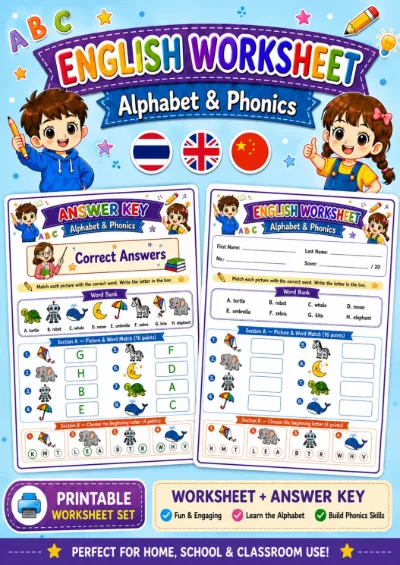
Alphabet & Phonics - Picture and Word Match
Included with membershipJoin membership

1 / 7
The preview is watermarked and lower resolution than the file you receive.
Included with membership
The preview is watermarked and lower resolution than the file you receive.
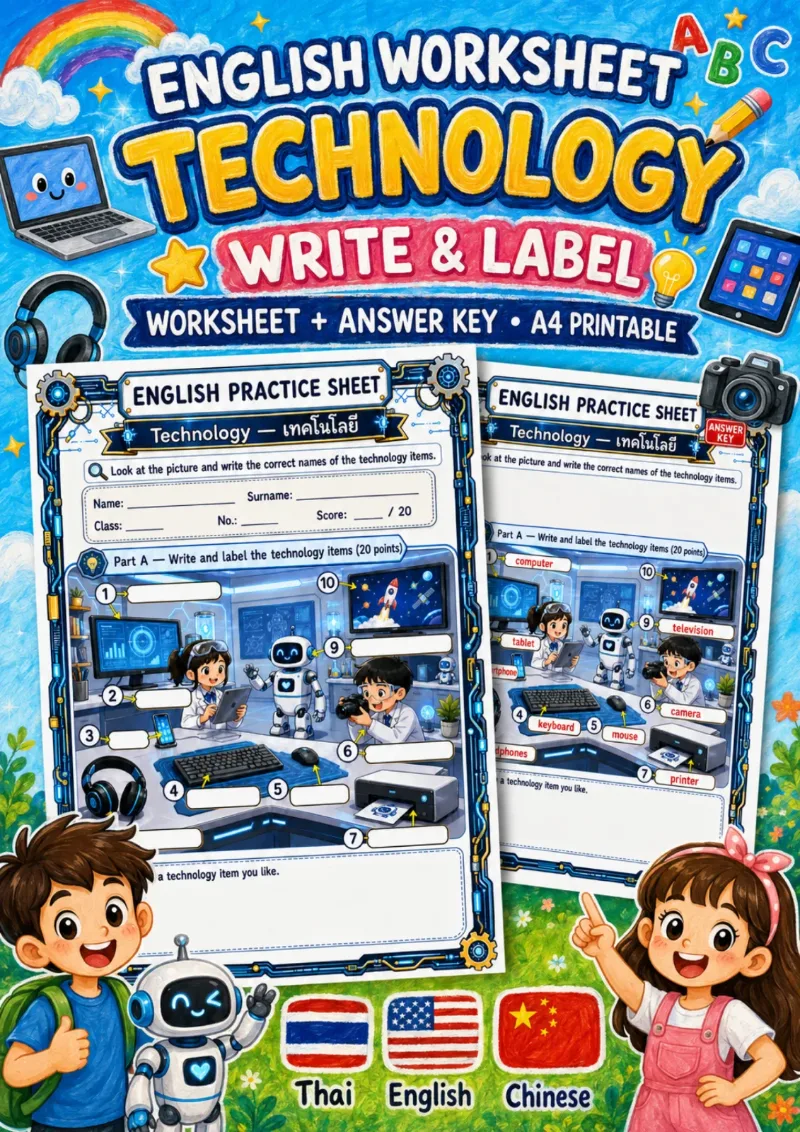
English Vocabulary worksheets on Technology for Grades 4–6 (P.4–P.6), difficulty 1/5. Preview the PDF before downloading.
Curriculum indicators practised
Before you begin
Label ten technology devices in a busy lab scene by following the arrows, writing each word unaided, then draw a favourite device.
10 items, 20 points - One lab scene with arrows to ten devices; no word bank - Key answers: computer, tablet, smartphone, keyboard, mouse, camera, printer, headphones, robot and television - A box at the bottom for drawing a favourite device is not scored - A separate key fills in each label box in place
Use at the end of the technology unit, after the matching and spelling sheets that use the same ten words. Allow about 15 minutes. - Before starting, walk through the arrows by number and have children point to what each one marks, as some arrows are short and devices sit close together - After marking, turn the drawing box into a speaking task: children describe their device, e.g. This is my tablet. I use it to watch videos.
- Item 1: the arrow points to a screen, so children may write monitor or screen; decide in advance whether to accept them - Item 10: writing TV instead of television, or spelling it televison - Swapping items 2 and 3, since the phone is small and stands next to the tablet - Item 8: writing headphone without the s, or hedphones
A PDF written to the Thai curriculum. Preview it before joining.
Members can download worksheet and colouring book PDFs throughout their membership.
Every worksheet is checked before it is published — the content, the artwork, the layout and the accuracy of the language. Download it and hand it out the same day. If printing it yourself is inconvenient, add printing and postage to the order.
By a teacher who works in Thai classrooms, for Grades 1 to 6.
Choose plain A4, heavier stock or photo paper, and we deliver it.
Grades 1–3 (P.1–P.3)
Grades 1–3 (P.1–P.3)
Grades 1–3 (P.1–P.3)
Grades 1–3 (P.1–P.3)